Copy from Excel
Paste structured rows directly into the editable grid.
RHTool by AIdeaStorm
Turn structured Excel data into clear, editable PowerPoint objects. Choose a builder and start with your own worksheet or a sample.
Open RHTool →Goal Setting
Consolidates all key information into a single, at-a-glance master view.
Simple workflow
Paste structured rows directly into the editable grid.
Review groups, hierarchy, dates, and timeline structure before export.
Continue editing text and shapes in PowerPoint instead of receiving a flat image.

Turn grouped dates and milestones into an editable, presentation-ready PowerPoint map.
Open builder →
Transform hierarchical spreadsheet rows into editable SVG and PowerPoint diagrams.
Open builder →
Turn the same L1–L6 hierarchy into an editable left-to-right or top-to-bottom PowerPoint tree.
Open builder →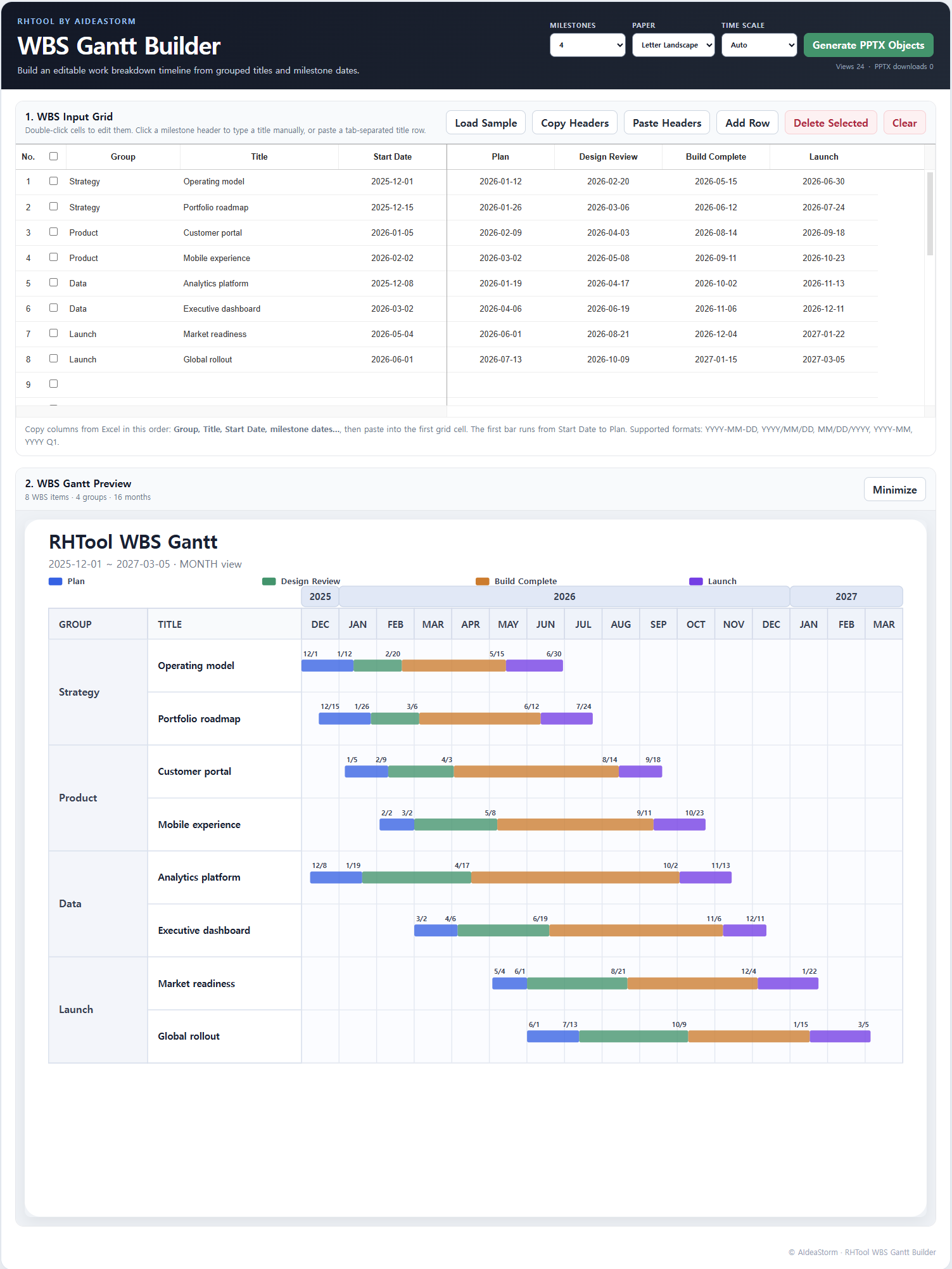
Map grouped WBS titles and milestone dates onto an editable calendar timeline.
Open builder →
Consolidate grouped issues into a single editable traffic-light master view.
Open builder →
Adjust parent-child relationships and export PPTX, JSON, XML, or Excel.
Open builder →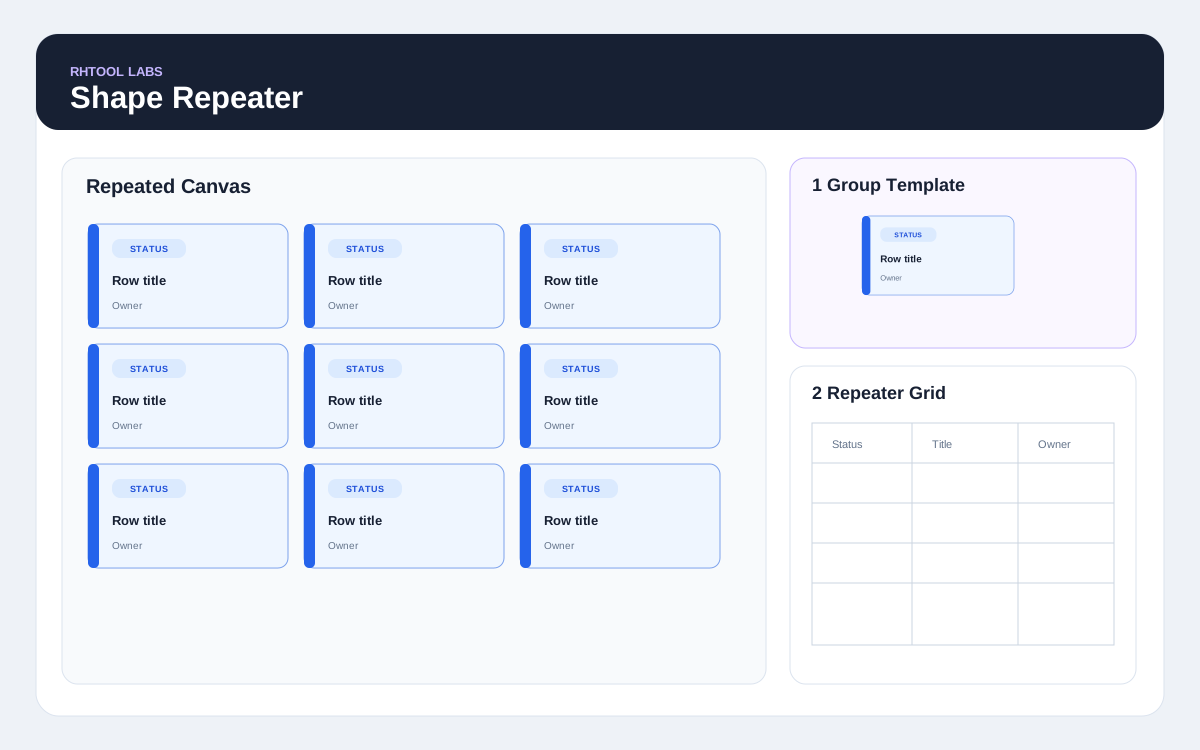
Repeat one grouped PowerPoint object for every spreadsheet row.
Open builder →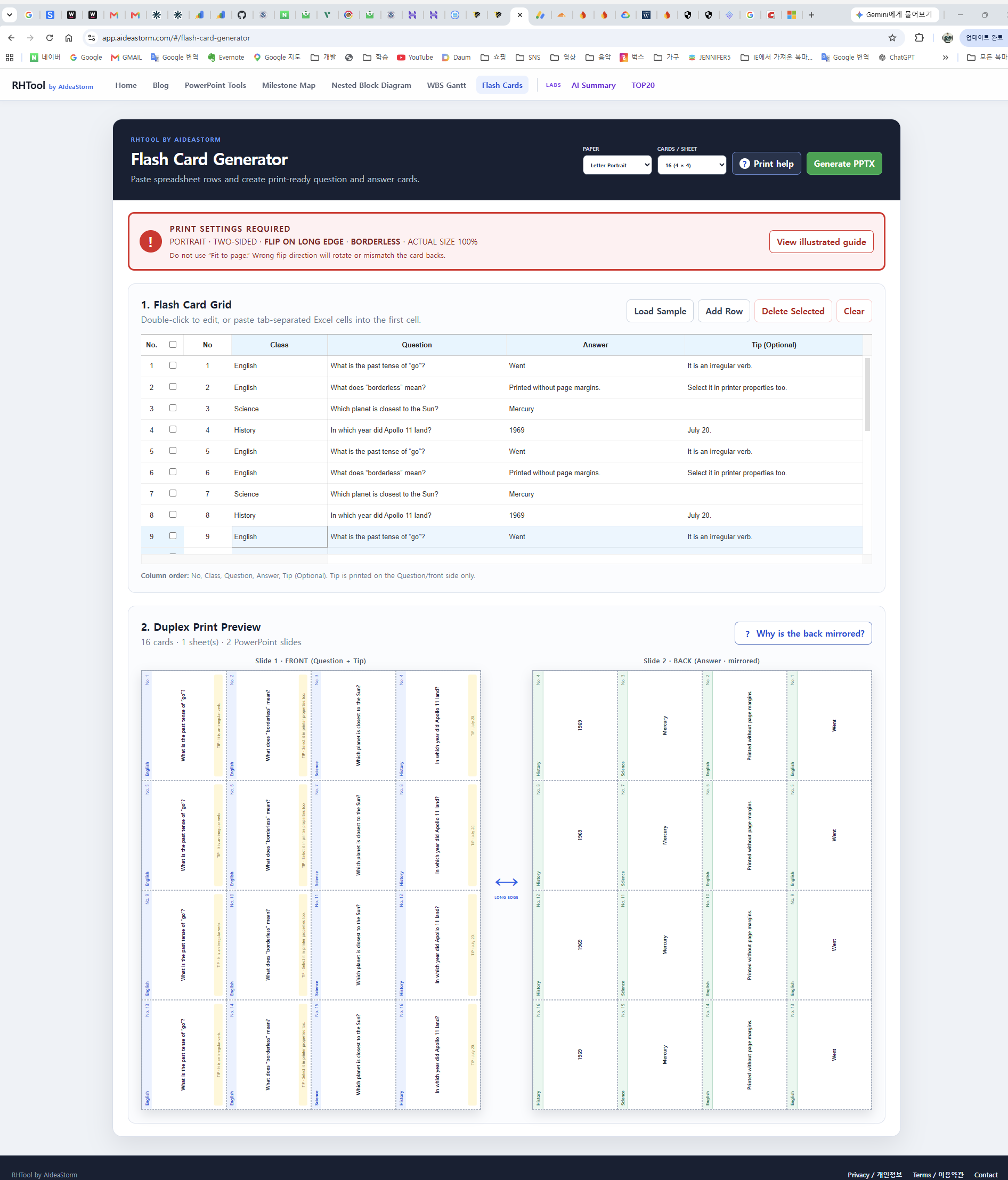
Create portrait duplex question-and-answer cards with automatic short-edge alignment.
Open builder →RHTool Labs
Preview features under active development. Core builders above remain stable and separate.

Keep every spreadsheet row in one editable slide without dropping records.
Open experiment →
Review a sortable current-market table and copy selected ranges into Excel.
Open experiment →Compare official starting MSRP across up to three vehicle brands in one price-tier table.
Open experiment →Review key-term frequency and exclusions from pasted or uploaded text.
Open experiment →Review and download WAV, transcript TXT, translation TXT, and SRT step by step.
Open experiment →